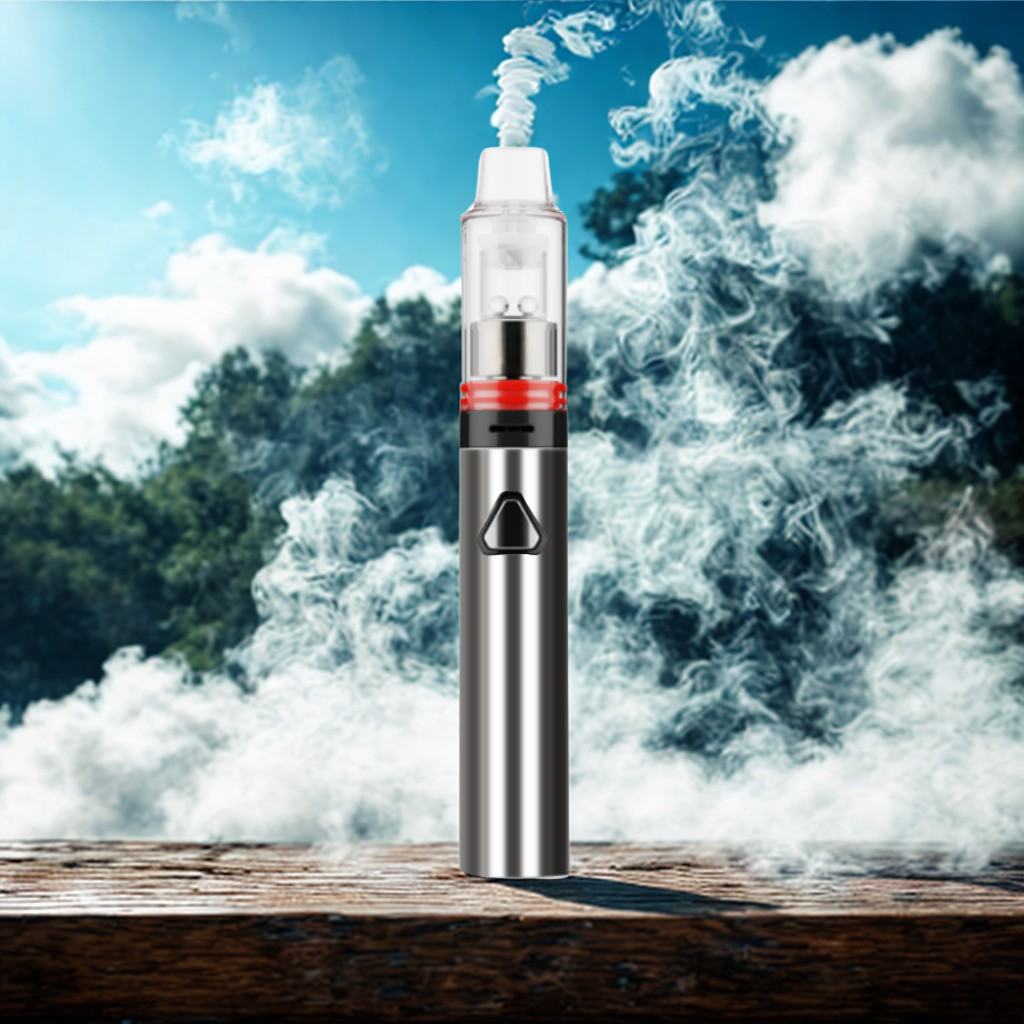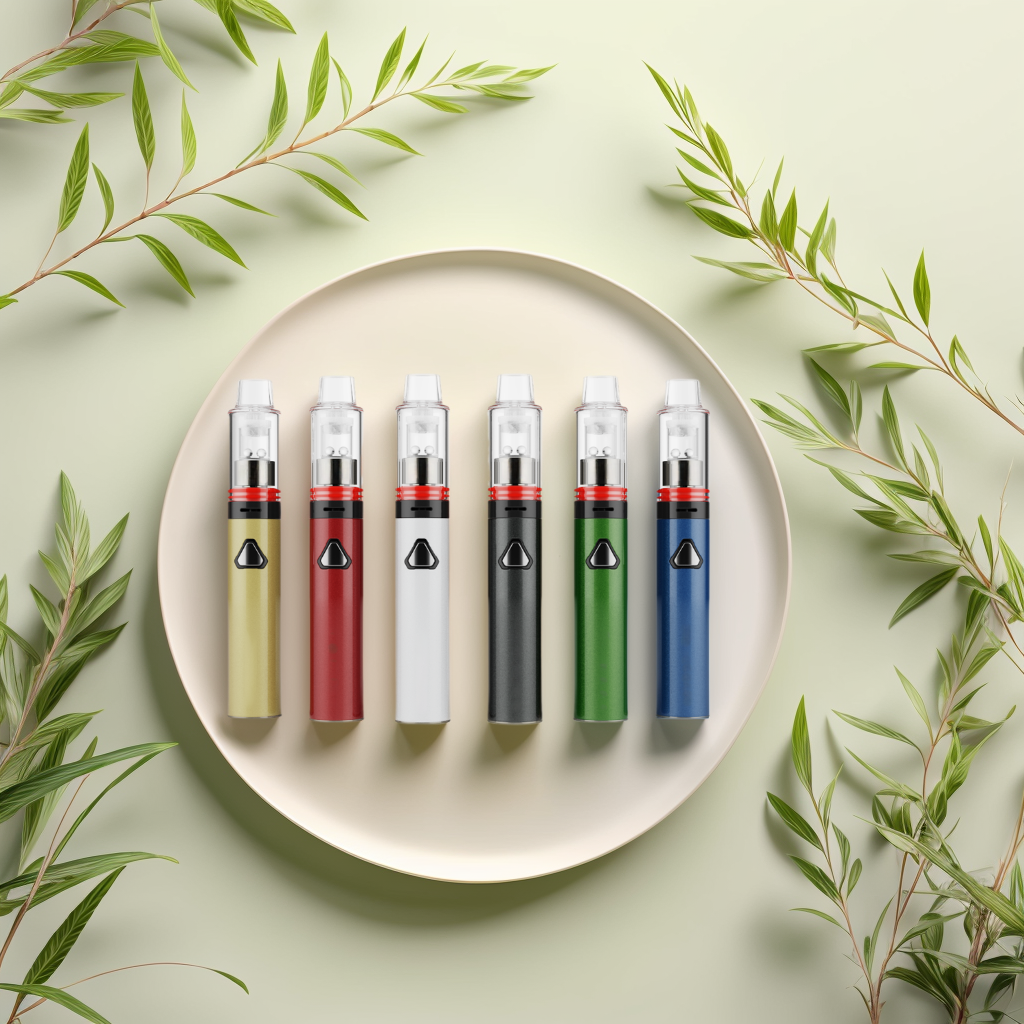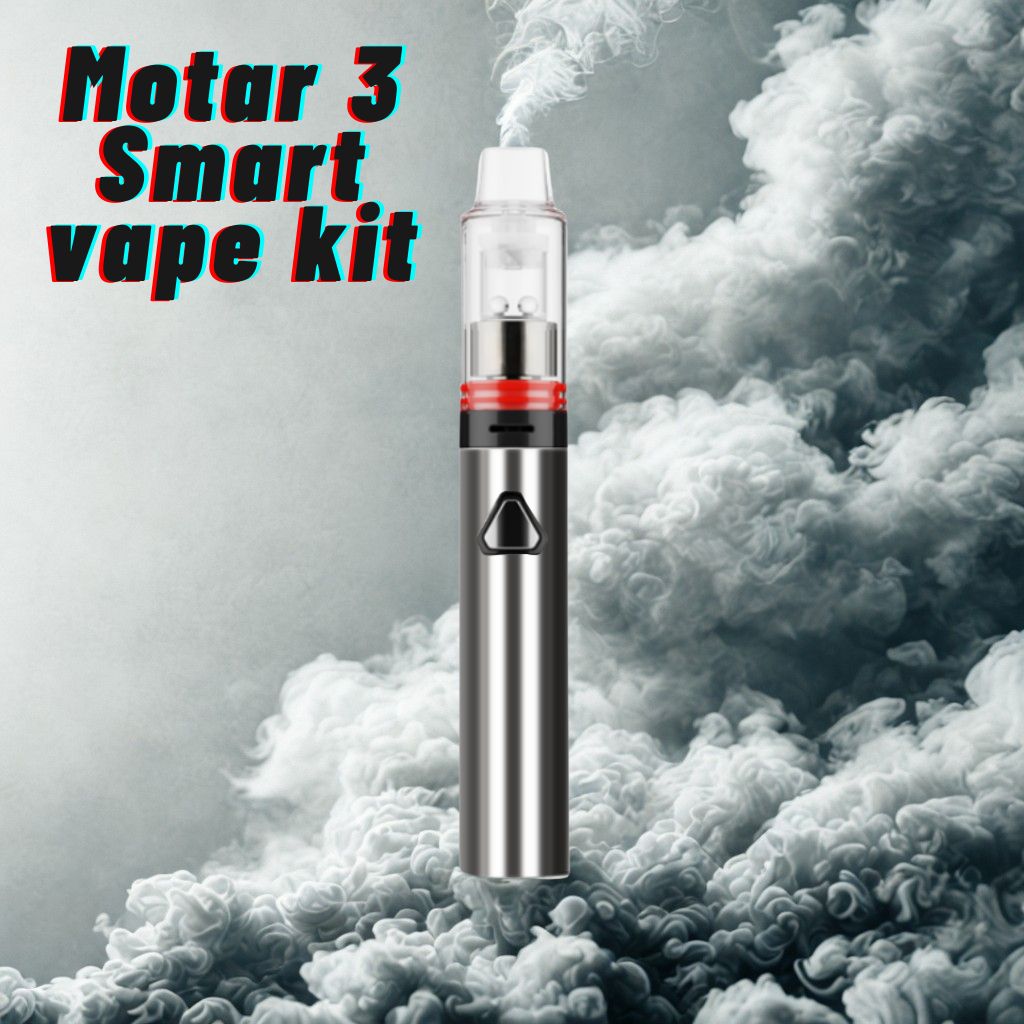
INTRODUCING THE MOTAR 3 VAPE PEN A REVOLUTIONARY WAY TO VAPE

The vape pen is a sleek and stylish device that is designed to give you a satisfying vaping experience. It is compact and easy to use, making it the perfect choice for anyone who is looking for a discreet way to vape.

Unlike traditional cigarettes, the vape pen doesn’t contain harmful chemicals or carcinogens. Instead, it uses e-liquids that are available in a wide range of flavors. You can choose from fruity, minty, or even dessert-inspired flavors, giving you the ultimate vaping experience.

One of the biggest advantages of the vape pen is its convenience. It is small enough to fit in your pocket or purse, making it easy to take with you wherever you go. You can enjoy a quick vape break at work, while running errands, or even while out with friends.

Another great thing about the vape pen is its affordability. It is a cost-effective way to enjoy vaping without breaking the bank. You can purchase a vape pen starter kit for a fraction of the cost of a traditional vaping device, and you won’t have to worry about the ongoing costs of replacing coils or batteries.

At [longmada.com], we offer a wide range of vape pens to suit your needs and preferences. Whether you’re looking for a basic model or a more advanced device, we have something for everyone. We also offer a wide range of e-liquids, so you can choose the flavor that’s right for you.

Our team of experts is dedicated to providing you with the best possible customer service. We can answer any questions you have about vaping and help you choose the perfect vape pen for your needs. We also offer fast and reliable shipping, so you can enjoy your vape pen as soon as possible.

In conclusion, if you’re looking for a better way to vape, you need to try the vape pen. It’s convenient, affordable, and provides a satisfying vaping experience. Visit longmada.com today and discover the joy of vaping with the vape pen Motar 3.

4 Temperature settings (572°F, 662°F, 750°F, 842°F)
Coil-less Quartz Cup
Spinning Quartz Balls
Vertex airflow
1700mAh Battery
Fast charging type-C USB port

Owning a clean quartz wickless heating barrel, nothing contacts your materials except pure quartz barrel,free from metal fumes/ polluted vapor.
Simple to operate, single click to cycle through 4 temperature settings. Device will vibrate and lights will flash three times when ready. Inhale gently for best results.
The moving airflow will drive the quartz terp balls rotate at a very high speed to achieve even heating distribution and sufficient vaporization. 
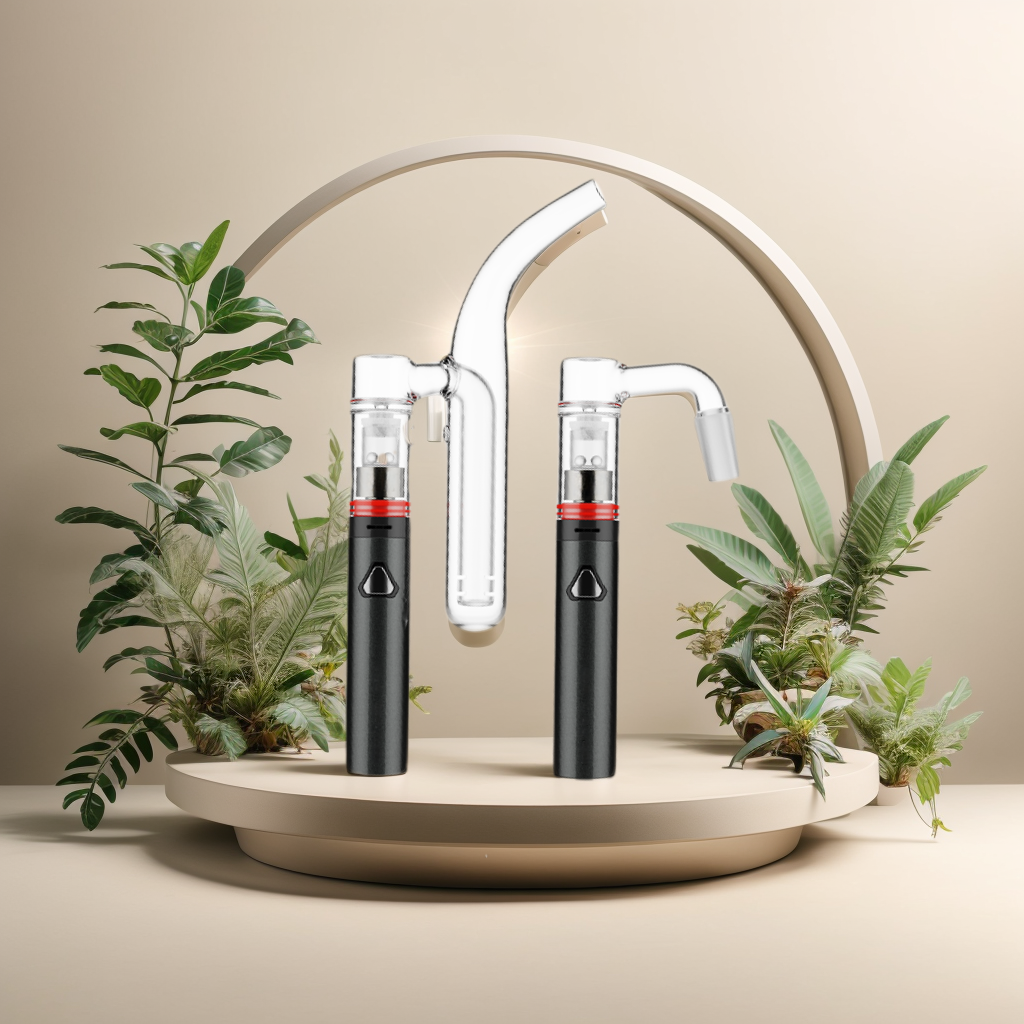
HOW TO USE LONGMADA WITH CUSTOM WATER GLASS

The Longmada vaporizer paired with a customized water glass setup enhances your vaping experience by delivering smooth and flavorful vapor. Follow these steps to maximize your vaping sessions:

USING LONGMADA:

Preparing the Motar 3 Atomizer:

Place your preferred material into the bowl of the Motar 3 atomizer.

Connecting with Custom Water Glass:

Attach the water glass, filled with water, to the Motar 3 atomizer. Ensure a secure connection to prevent leaks.

Powering On:

Press and hold the power button for three seconds to activate the Longmada vaporizer.

Temperature Adjustment:

Single-click to toggle through different temperature settings, adjusting according to your preference for vapor intensity.

Vaping:

Double-click to begin vaping once your desired temperature is set. Inhale gently to enjoy the smooth vapor enhanced by the water filtration.

HOW TO ADD WATER:

Water Filling Method: 

Directly pour water into the mouthpiece of the water glass until it reaches just above the small holes inside.

TIPS FOR OPTIMAL PERFORMANCE:

Water Level: Ensure the water level is maintained properly to avoid overflow and to achieve effective filtration.

Cleaning: Regularly clean the water glass and the Motar 3 atomizer to maintain optimal performance and flavor purity.

Material Preparation: Use concentrates as per your preference and atomizer compatibility.

CONCLUSION:

By following these simple steps, you can enjoy a customized vaping experience with the Longmada vaporizer and your personalized water glass setup. Experiment with different temperature settings and water levels to discover your perfect vaping session.

Upgrade your vaping setup with Longmada today and elevate your vapor experience with enhanced flavor and smoothness.

LONGMADA OLD MOTAR 3 GUIDE

Quick Start:

  1. Fully charge the device before first use.
  2. Press and hold the button for 3 seconds to unlock/lock the device (accompanied by a motor vibration).
  3. Single-click to cycle through temperature settings:
  4. Blue (Low) / Green (Medium) / Red (High) / White (Max)
  5. Double-click to start heating, press and hold the button anytime to stop. Pulsating light indicates the device is heating up (accompanied by two motor vibrations).
  6. Blue Light – 300°C; (0°C – 350°C heating in 5 seconds, then maintains 300°C for 50 seconds)
  7. Green Light – 350°C; (0°C – 400°C heating in 5 seconds, then maintains 350°C for 50 seconds)
  8. Red Light – 400°C; (0°C – 450°C heating in 5 seconds, then maintains 400°C for 50 seconds)
  9. White Light – 450°C; (0°C – 500°C heating in 5 seconds, then maintains 450°C for 50 seconds)
  10. After 50 seconds of operation, all lights will turn off and the motor will vibrate.
  11. Clean the body after each use with a dry tool. Gently wipe in circles.
  12. Triple-click to display the battery percentage: Green – High / Orange – Medium / Red – Low

Error Indications:

  1. Heating Vessel Not Connected (3 white light blinks)
  2. Heating Vessel Error (Red-White-Red-White)
  3. Low Battery (3 red light blinks)

#longmadamotar

#wax

#dryherb

#vapestore

#vapewave

THE NEW MOTAR3 BATTERY A USER GUIDE

In 2024, we have upgraded the new Motar3 battery, and its operation has been modified to a traditional e-cigarette method. Here is a simple description of the button operations:

Basic Operation Functions
Power On/Off: Press the button 5 times consecutively
Manual Mode: Long press the button
Automatic Mode: Press the button twice in quick succession
Mode Switch: Press the button three times consecutively
Quick Start Guide:

Before the first use, please ensure the device is fully charged.

Power On/Off

To Power On: Tap the button five times to unlock the device.
Battery Status Indication: Upon powering on, the LED will indicate the battery level:
Red Light: Below 3.3V
Blue Light: 3.3V-3.7V
Green Light: 3.7V-4.1V
White Light: Above 4.1V
Temperature Setting

Press the button three times to switch between temperature settings:
Red Light: Low, 300 degrees
Blue Light: Medium, 350 degrees
Green Light: High, 400 degrees
White Light: Peak, 450 degrees
Operation

Automatic Mode
To Start: Double-click the button to enable automatic mode for 60 seconds
Pausing: Single press to pause
Resume: Double-click again to resume (each time, the working time is consistently 60 seconds)
Manual Mode
Long press to start; release the button to stop. The working duration should not exceed 20 seconds.
Battery Management

If any mode consecutively heats for 3 minutes, the device will automatically shut down
Automatic shutdown after 5 minutes of idle time
The device remembers the last temperature mode before shutdown and retains it upon restarting, eliminating the need for resetting on every startup
Special Notifications

Double-click function is invalid in certain situations:
Heating pot not connected to the host or open circuit: Blink white light 3 times
Heating pot short-circuited: 2 blinks of mode indicator light, forced shutdown. After shutdown, the device must be charged to activate normal use.
No mode set after power on: Alternating red and white light blinking 3 times (Jump to 3. Temperature Setting)
After power on, temperature mode must be set before normal operation can commence
Low Battery

Upon power on, if the battery level is detected to be below 3.2V, the red light will blink 5 times
Charging Indicators

= 3V: Red Light (10%) <3.3V

= 3.7V: Blue Light (30%) 3.3V-3.7V

= 3.9V: Green Light (60%) 3.7V-3.9V

= 4.1V: White Light (90%) 3.9V-4.1V

= 4.15V: Charging Complete, LED off (95%) Greater than 4.1V

We hope this user guide helps you to get the most out of your new Motar3 battery. If you have any further questions or need assistance, feel free to reach out to our customer support team. Happy vaping!